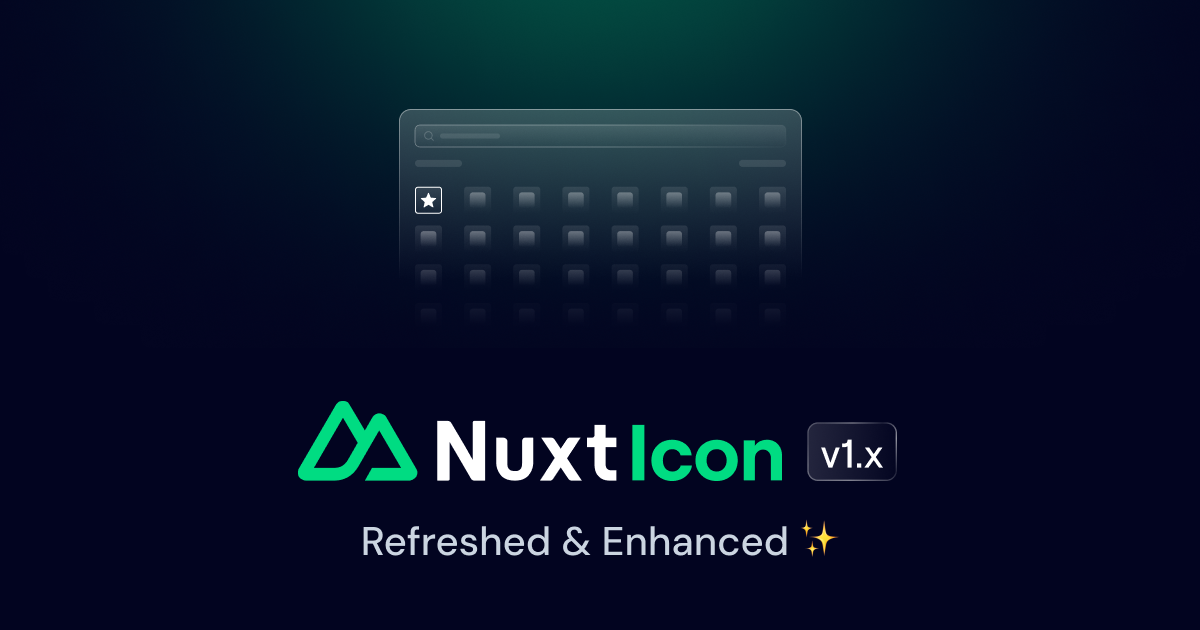
Nuxt Icon v1
Discover Nuxt Icon v1!
BlogPostsコンポーネントは、BlogPostコンポーネントのリストをデフォルトスロットまたはposts propを使用して表示する柔軟なレイアウトを提供します。
<template>
  <UBlogPosts>
    <UBlogPost
      v-for="(post, index) in posts"
      :key="index"
      v-bind="post"
    />
  </UBlogPosts>
</template>
postsプロパティをBlogPostコンポーネントのプロパティを持つオブジェクトの配列として使用します。
<script setup lang="ts">
import type { BlogPostProps } from '@nuxt/ui'

const posts = ref<BlogPostProps[]>([
  {
    title: 'Nuxt Icon v1',
    description: 'Discover Nuxt Icon v1!',
    image: 'https://nuxt.com/assets/blog/nuxt-icon/cover.png',
    date: '2024-11-25'
  },
  {
    title: 'Nuxt 3.14',
    description: 'Nuxt 3.14 is out!',
    image: 'https://nuxt.com/assets/blog/v3.14.png',
    date: '2024-11-04'
  },
  {
    title: 'Nuxt 3.13',
    description: 'Nuxt 3.13 is out!',
    image: 'https://nuxt.com/assets/blog/v3.13.png',
    date: '2024-08-22'
  }
])
</script>

<template>
  <UBlogPosts :posts="posts" />
</template><script setup lang="ts">
import { ref } from 'vue'
import type { BlogPostProps } from '@nuxt/ui'
const posts = ref<BlogPostProps[]>([
{
title: 'Nuxt Icon v1',
description: 'Discover Nuxt Icon v1!',
image: 'https://nuxt.com/assets/blog/nuxt-icon/cover.png',
date: '2024-11-25'
},
{
title: 'Nuxt 3.14',
description: 'Nuxt 3.14 is out!',
image: 'https://nuxt.com/assets/blog/v3.14.png',
date: '2024-11-04'
},
{
title: 'Nuxt 3.13',
description: 'Nuxt 3.13 is out!',
image: 'https://nuxt.com/assets/blog/v3.13.png',
date: '2024-08-22'
}
])
</script>
<template>
<UBlogPosts :posts="posts" />
</template>BlogPostsの向きを変更するには、orientationプロパティを使用します。デフォルトはhorizontalです。
<script setup lang="ts">
import type { BlogPostProps } from '@nuxt/ui'

const posts = ref<BlogPostProps[]>([
  {
    title: 'Nuxt Icon v1',
    description: 'Discover Nuxt Icon v1!',
    image: 'https://nuxt.com/assets/blog/nuxt-icon/cover.png',
    date: '2024-11-25'
  },
  {
    title: 'Nuxt 3.14',
    description: 'Nuxt 3.14 is out!',
    image: 'https://nuxt.com/assets/blog/v3.14.png',
    date: '2024-11-04'
  },
  {
    title: 'Nuxt 3.13',
    description: 'Nuxt 3.13 is out!',
    image: 'https://nuxt.com/assets/blog/v3.13.png',
    date: '2024-08-22'
  }
])
</script>

<template>
  <UBlogPosts orientation="vertical" :posts="posts" />
</template><script setup lang="ts">
import { ref } from 'vue'
import type { BlogPostProps } from '@nuxt/ui'
const posts = ref<BlogPostProps[]>([
{
title: 'Nuxt Icon v1',
description: 'Discover Nuxt Icon v1!',
image: 'https://nuxt.com/assets/blog/nuxt-icon/cover.png',
date: '2024-11-25'
},
{
title: 'Nuxt 3.14',
description: 'Nuxt 3.14 is out!',
image: 'https://nuxt.com/assets/blog/v3.14.png',
date: '2024-11-04'
},
{
title: 'Nuxt 3.13',
description: 'Nuxt 3.13 is out!',
image: 'https://nuxt.com/assets/blog/v3.13.png',
date: '2024-08-22'
}
])
</script>
<template>
<UBlogPosts orientation="vertical" :posts="posts" />
</template>postsプロパティを使用すると、投稿のorientationは自動的に逆になります。horizontalはverticalに、その逆も同様です。ブログページを作成するには、ページ内のBlogPostsコンポーネントを使用します。
<script setup lang="ts">
const { data: posts } = await useAsyncData('posts', () => queryCollection('posts').all())
</script>

<template>
  <UPage>
    <UPageHero title="Blog" />

    <UPageBody>
      <UContainer>
        <UBlogPosts>
          <UBlogPost
            v-for="(post, index) in posts"
            :key="index"
            v-bind="post"
            :to="post.path"
          />
        </UBlogPosts>
      </UContainer>
    </UPageBody>
  </UPage>
</template>
@nuxt/contentモジュールのqueryCollectionを使用してpostsをフェッチします。@nuxt/contentはpathプロパティを使用するため、toプロパティはオーバーライドされます。| Prop | Default | Type |
|---|---|---|
as | 'div' | anyThe element or component this component should render as. |
posts | BlogPostProps[] | |
orientation | 'horizontal' | "horizontal" | "vertical"The orientation of the blog posts. |
ui | { base?: any; } |
| Slot | Type |
|---|---|
date | { post: T; } |
badge | { post: T; } |
title | { post: T; } |
description | { post: T; } |
authors | { ui: object; } & { post: T; } |
header | { ui: object; } & { post: T; } |
body | { post: T; } |
footer | { post: T; } |
default | {} |
export default defineAppConfig({
  ui: {
    blogPosts: {
      base: 'flex flex-col gap-8 lg:gap-y-16',
      variants: {
        orientation: {
          horizontal: 'sm:grid sm:grid-cols-2 lg:grid-cols-3',
          vertical: ''
        }
      }
    }
  }
})import { defineConfig } from 'vite'
import vue from '@vitejs/plugin-vue'
import ui from '@nuxt/ui/vite'
export default defineConfig({
plugins: [
vue(),
ui({
ui: {
blogPosts: {
base: 'flex flex-col gap-8 lg:gap-y-16',
variants: {
orientation: {
horizontal: 'sm:grid sm:grid-cols-2 lg:grid-cols-3',
vertical: ''
}
}
}
}
})
]
})