图像和嵌入
响应式图像、视频和丰富媒体嵌入,增强和展示您的文档。
图片
具有自动优化和交互式缩放功能的响应式图像。
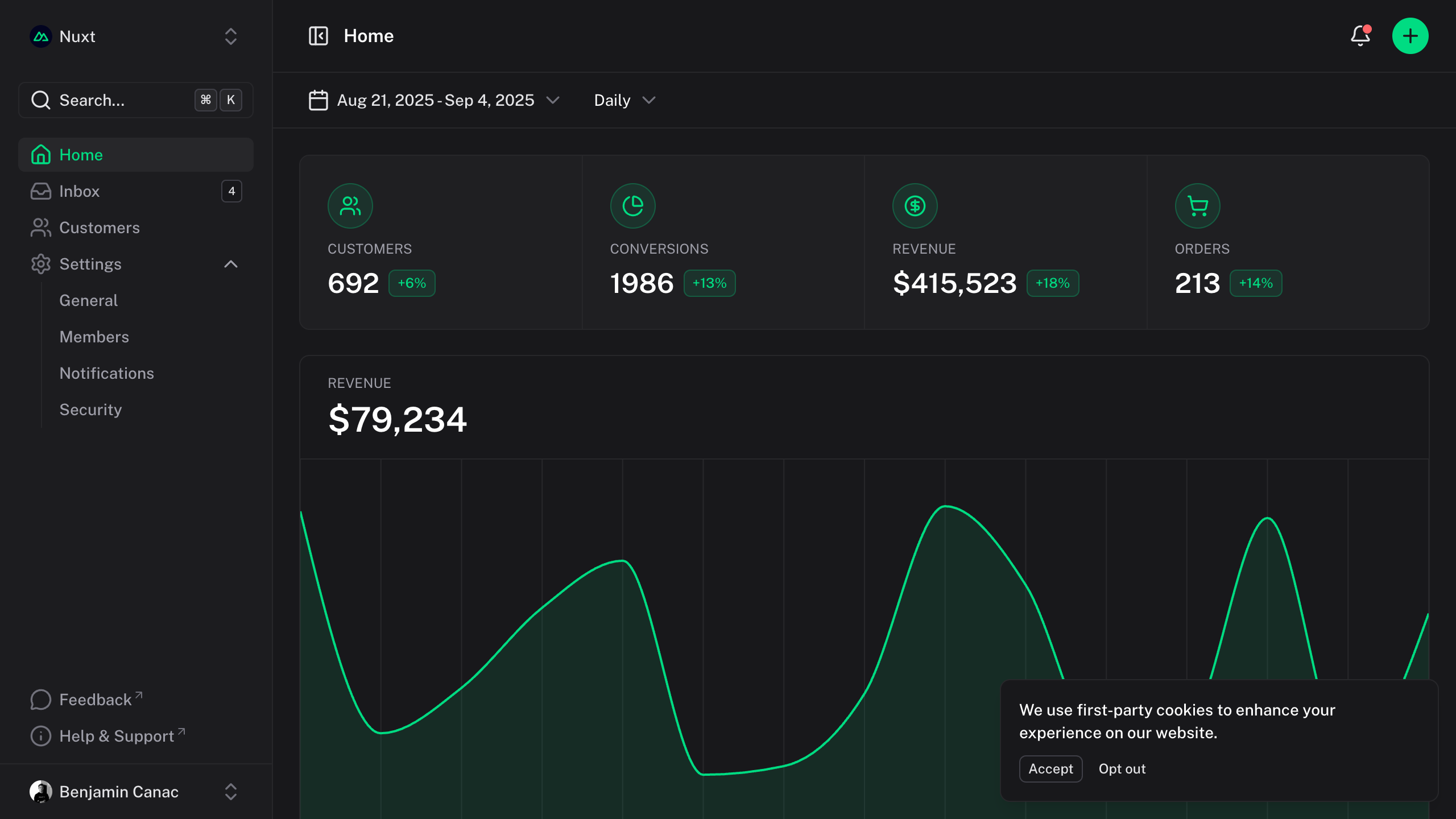
Zoom
默认情况下,图像支持交互式缩放:单击图像将以平滑过渡的模式覆盖打开图像,允许用户更仔细地检查细节。
若要阻止缩放特定图像,请添加:zoom="false"属性。
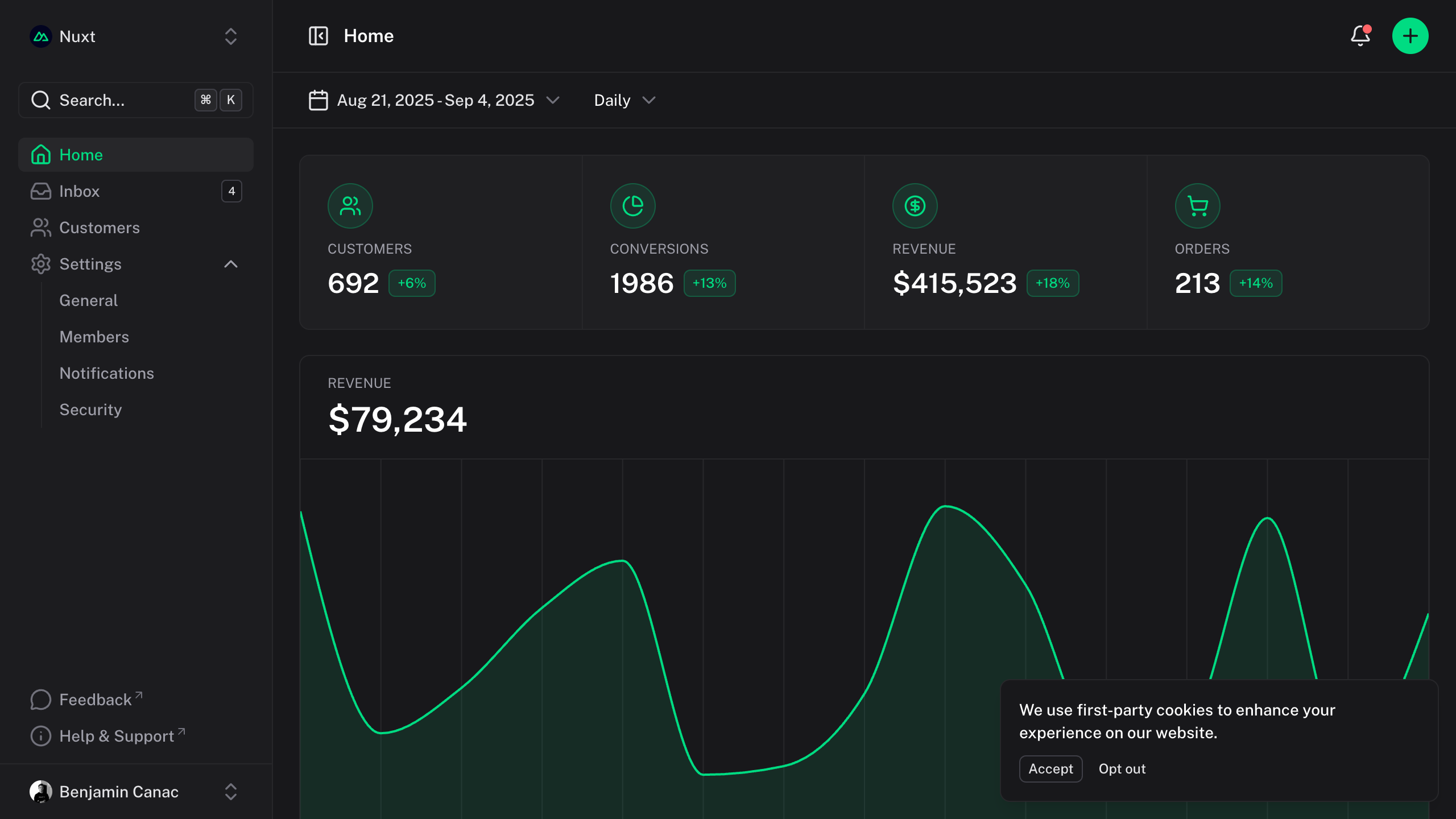{:zoom="false"}
Size
图像会自动适应其容器,同时保持长宽比。您可以在需要时通过markdown或HTML属性控制大小。
{width="300"}
Iframes
轻松嵌入CodeSandbox、Figma或YouTube等交互式内容。
YouTube
<iframe src="https://www.youtube-nocookie.com/embed/_eQxomah-nA?si=pDSzchUBDKb2NQu7" title="YouTube video player" frameborder="0" allow="accelerometer; autoplay; clipboard-write; encrypted-media; gyroscope; picture-in-picture; web-share" referrerpolicy="strict-origin-when-cross-origin" allowfullscreen style="aspect-ratio: 16/9; width: 100%;"></iframe>
CodeSandbox
<iframe src="https://codesandbox.io/p/devbox/nuxt-ui-xgrzw5" frameborder="0" allow="accelerometer; autoplay; clipboard-write; encrypted-media; gyroscope; picture-in-picture; web-share" referrerpolicy="strict-origin-when-cross-origin" allowfullscreen style="aspect-ratio: 16/9; width: 100%;"></iframe>
Figma
<iframe style="border: 1px solid rgba(0, 0, 0, 0.1); width: 100%; height: 450px;" src="https://embed.figma.com/file/1544369209862884086/hf_embed?community_viewer=true&embed_host=fastma&fuid=960610330589944894&kind=file&page-selector=0&viewer=1" allowfullscreen></iframe>