이미지 및 포함
반응형 이미지, 비디오 및 리치 미디어가 포함되어 문서를 향상시키고 설명합니다.
Images 이미지
자동 최적화 및 대화형 줌 기능을 갖춘 반응형 이미지
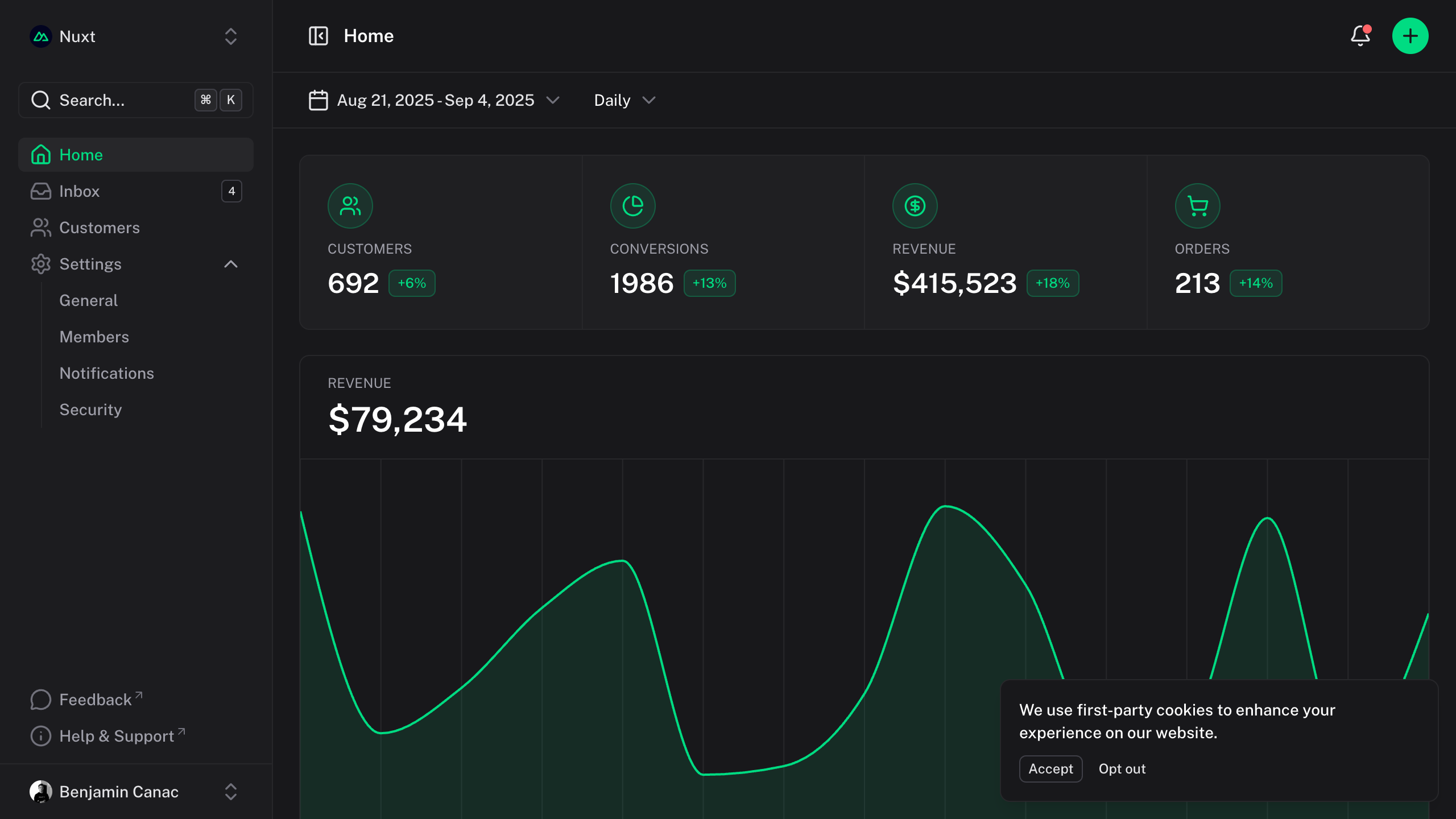
zoom 크기 조정
기본적으로 이미지는 대화식 확대/축소를 지원합니다. 이미지를 클릭하면 부드러운 전환이 있는 모달 오버레이에서 이미지가 열리므로 사용자가 세부 정보를 보다 자세히 검토할 수 있습니다.
특정 이미지를 확대하지 않으려면 :zoom="false" 속성을 추가합니다.
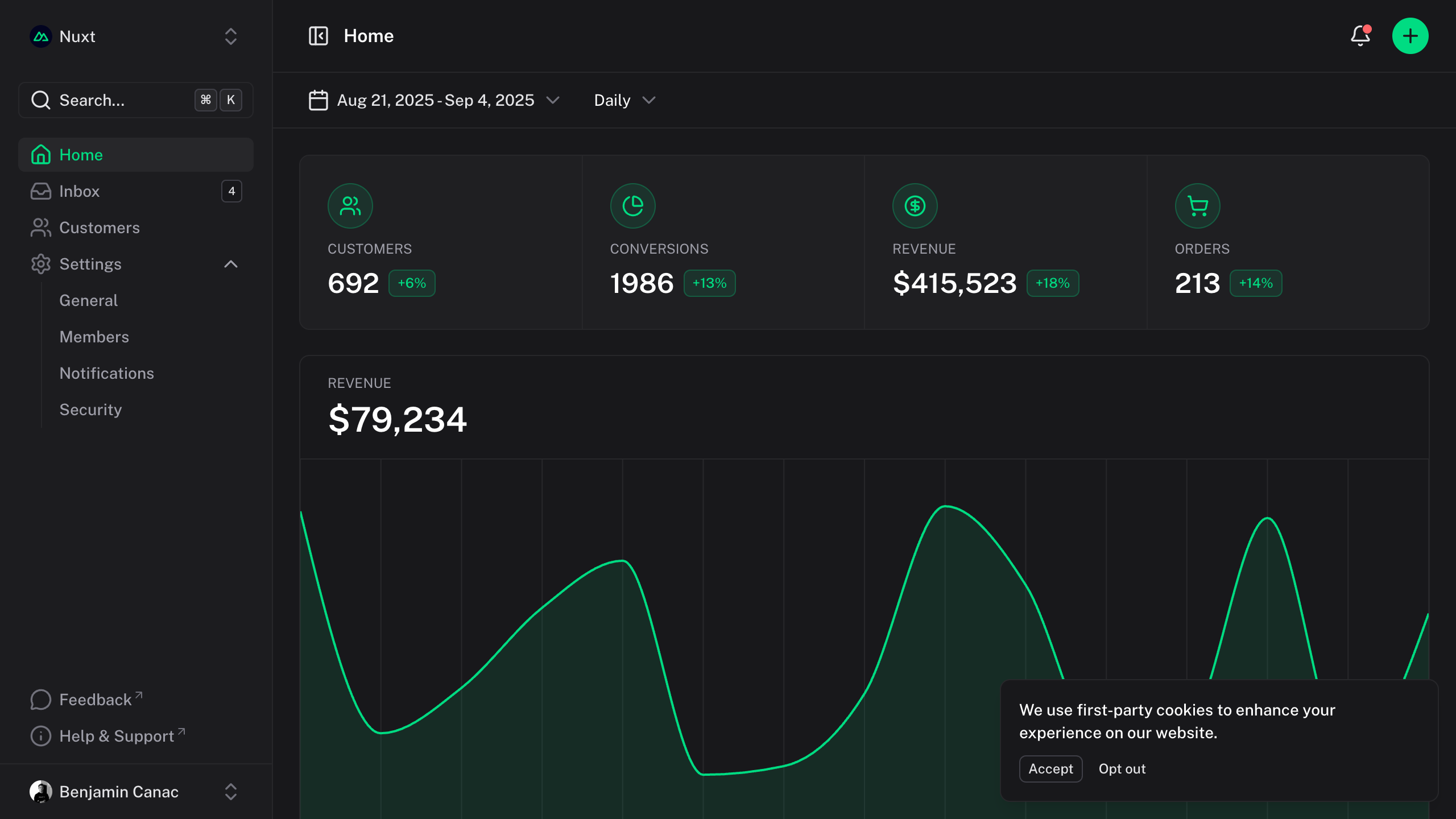{:zoom="false"}
Size 크기
이미지는 가로 세로 비율을 유지하면서 컨테이너에 자동으로 적응합니다. 필요한 경우 마크업 또는 HTML 속성을 통해 크기를 조정할 수 있습니다.
{width="300"}
I 프레임
CodeSandbox, Figma 또는 YouTube와 같은 대화형 콘텐츠를 쉽게 포함할 수 있습니다.
YouTube
()
<iframe src="https://www.youtube-nocookie.com/embed/_eQxomah-nA?si=pDSzchUBDKb2NQu7" title="YouTube video player" frameborder="0" allow="accelerometer; autoplay; clipboard-write; encrypted-media; gyroscope; picture-in-picture; web-share" referrerpolicy="strict-origin-when-cross-origin" allowfullscreen style="aspect-ratio: 16/9; width: 100%;"></iframe>
CodeSandbox 코드 상자
<iframe src="https://codesandbox.io/p/devbox/nuxt-ui-xgrzw5" frameborder="0" allow="accelerometer; autoplay; clipboard-write; encrypted-media; gyroscope; picture-in-picture; web-share" referrerpolicy="strict-origin-when-cross-origin" allowfullscreen style="aspect-ratio: 16/9; width: 100%;"></iframe>
Figma 이미지
()
<iframe style="border: 1px solid rgba(0, 0, 0, 0.1); width: 100%; height: 450px;" src="https://embed.figma.com/file/1544369209862884086/hf_embed?community_viewer=true&embed_host=fastma&fuid=960610330589944894&kind=file&page-selector=0&viewer=1" allowfullscreen></iframe>