画像と埋め込み
レスポンシブな画像、動画、リッチメディアを埋め込み、ドキュメントを強化して説明します。
Images
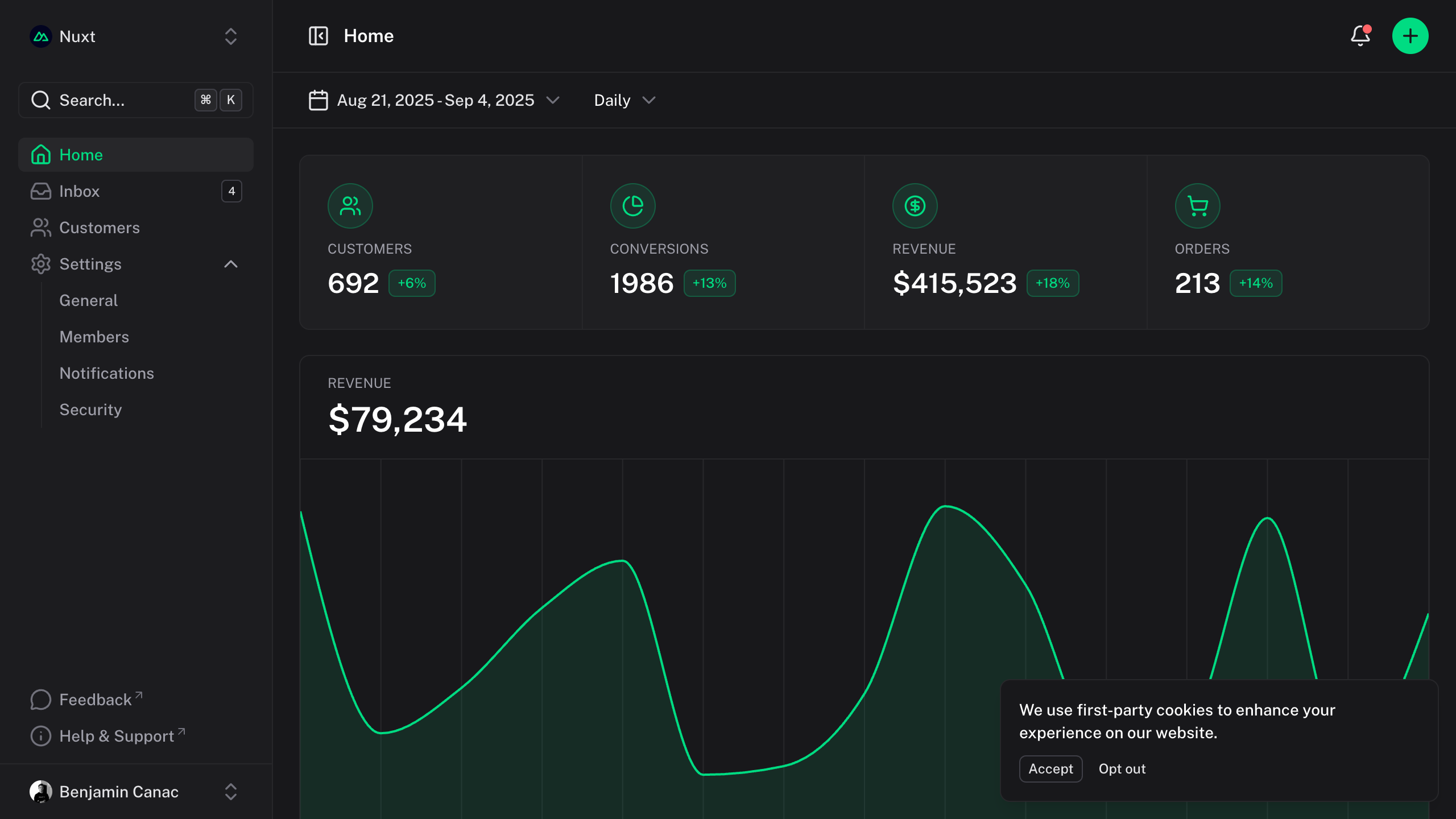
自動最適化とインタラクティブなズーム機能を備えたレスポンシブ画像。
Zoom
デフォルトでは、画像はインタラクティブなズームをサポートしています。画像をクリックすると、滑らかなトランジションでモーダルオーバーレイが開き、ユーザーは詳細をより詳細に調べることができます。
特定の画像のズームを防ぐには、:zoom="false"属性を追加します。
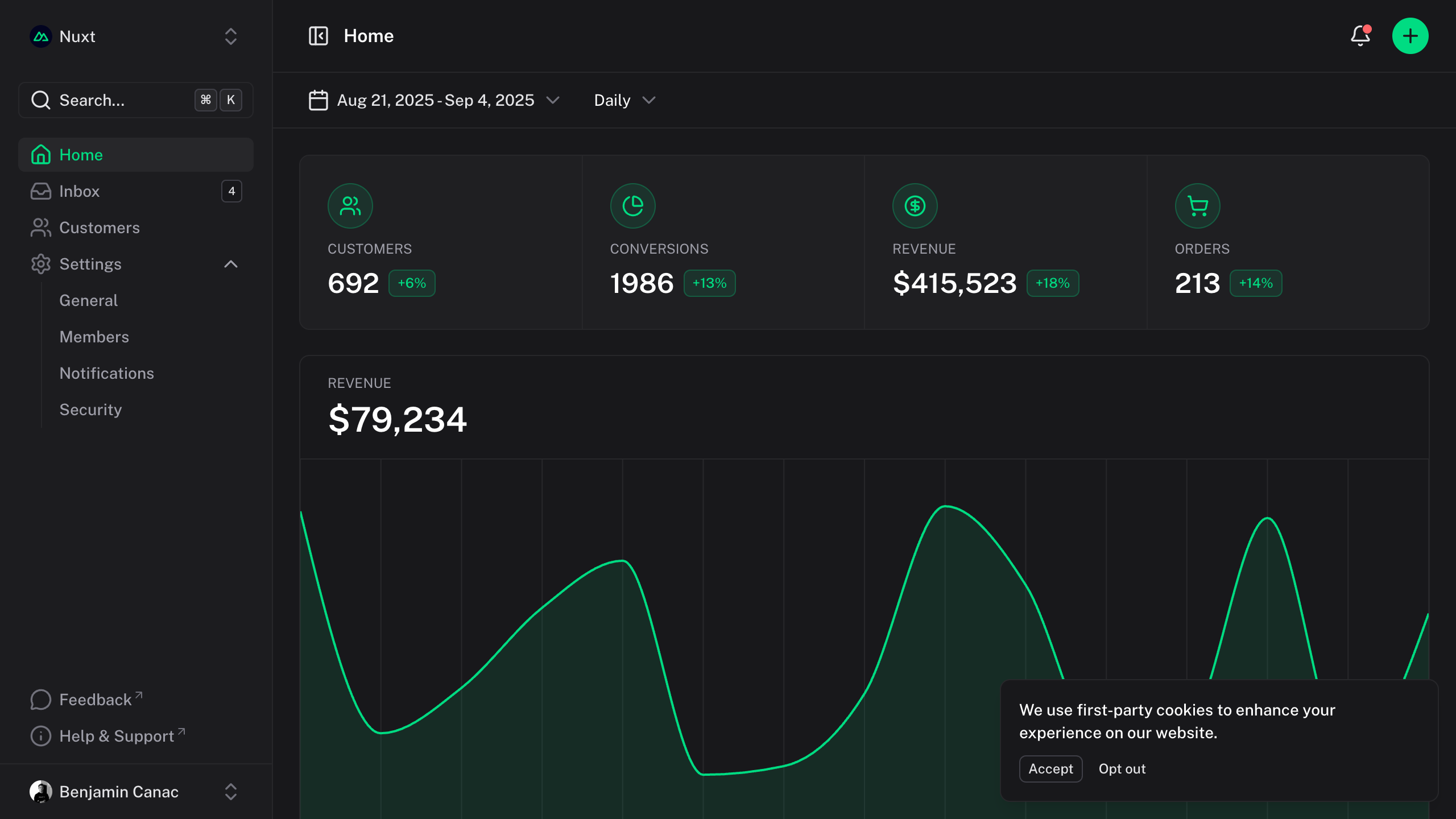{:zoom="false"}
サイズ
画像はアスペクト比を維持しながら自動的にコンテナに適応します。必要に応じてmarkdownまたはHTML属性でサイズを制御できます。
{width="300"}
Iframes
Code Sandbox、Figma、YouTubeなどのインタラクティブコンテンツを簡単に埋め込むことができます。
YouTube
<iframe src="https://www.youtube-nocookie.com/embed/_eQxomah-nA?si=pDSzchUBDKb2NQu7" title="YouTube video player" frameborder="0" allow="accelerometer; autoplay; clipboard-write; encrypted-media; gyroscope; picture-in-picture; web-share" referrerpolicy="strict-origin-when-cross-origin" allowfullscreen style="aspect-ratio: 16/9; width: 100%;"></iframe>
CodeSandbox
<iframe src="https://codesandbox.io/p/devbox/nuxt-ui-xgrzw5" frameborder="0" allow="accelerometer; autoplay; clipboard-write; encrypted-media; gyroscope; picture-in-picture; web-share" referrerpolicy="strict-origin-when-cross-origin" allowfullscreen style="aspect-ratio: 16/9; width: 100%;"></iframe>
Figma
<iframe style="border: 1px solid rgba(0, 0, 0, 0.1); width: 100%; height: 450px;" src="https://embed.figma.com/file/1544369209862884086/hf_embed?community_viewer=true&embed_host=fastma&fuid=960610330589944894&kind=file&page-selector=0&viewer=1" allowfullscreen></iframe>